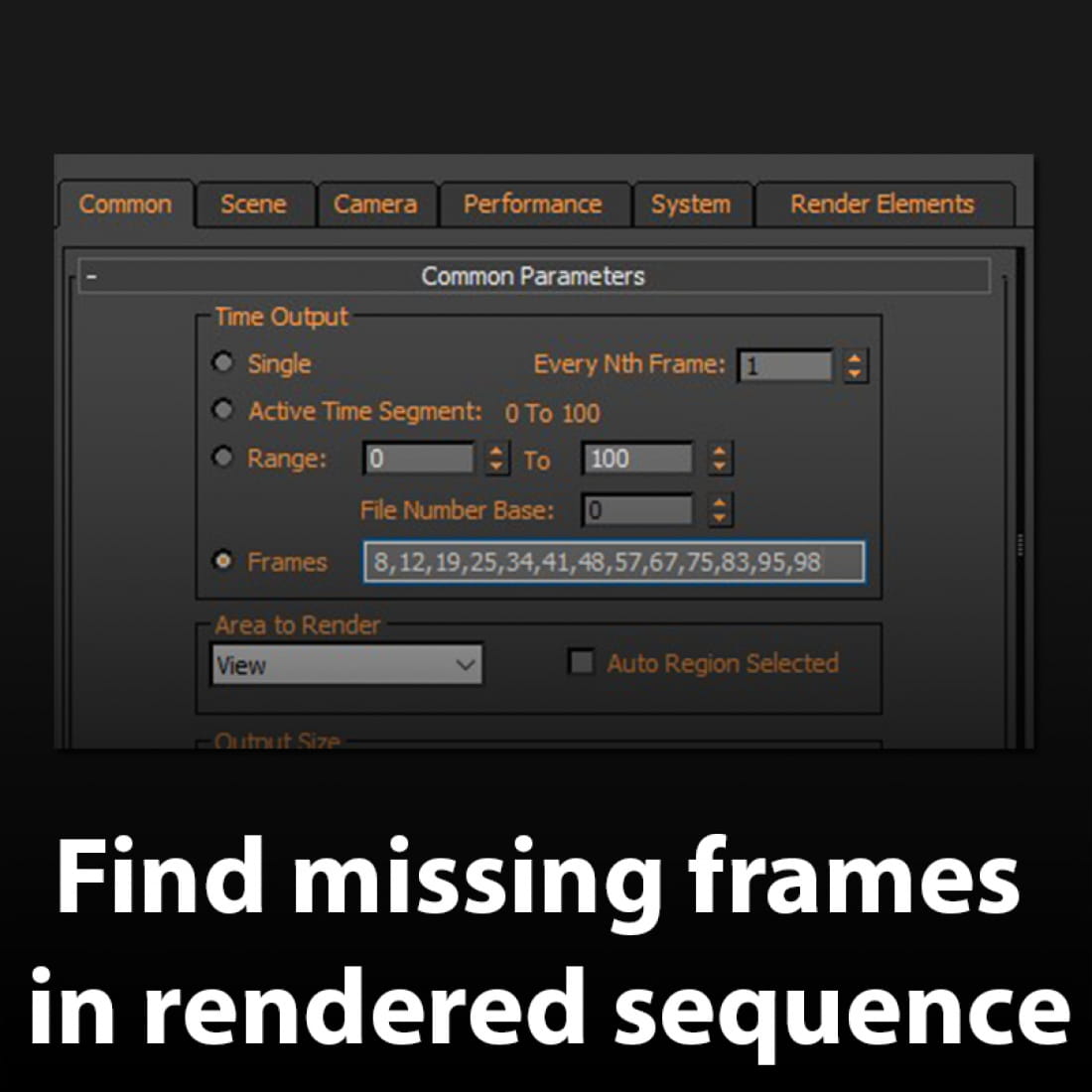
How To Find Missing Frames In Rendered Sequence
https://youtu.be/kg7SEgNApUo
Problem: lets say you rendered a sequence and from some reason a few (or many) frames was flickered\corrupted\not saved properly and now you delete them. It can be a very irritating to check manually what frames are now missing.
Solution: In the Missing Frame Tool you just need to do
1. set the path of folder where the sequence is located.
2. Set the range that you like to check and press on ‘Run Test’.
3. You will get an output in a form that you can just copy and paste in the ‘Render Frames’ option.
Download Missing Frame Tool here: https://gumroad.com/l/wZiXX
---
CGTricks | https://cgtricks.com
Posted on 23.04.2019
You have to be logged in to like this project
 wuanhyu
LEAVE A COMMENT






 Customer zone
 Your orders
 Edit account
 Add project
 Liked projects
 View your artist profile