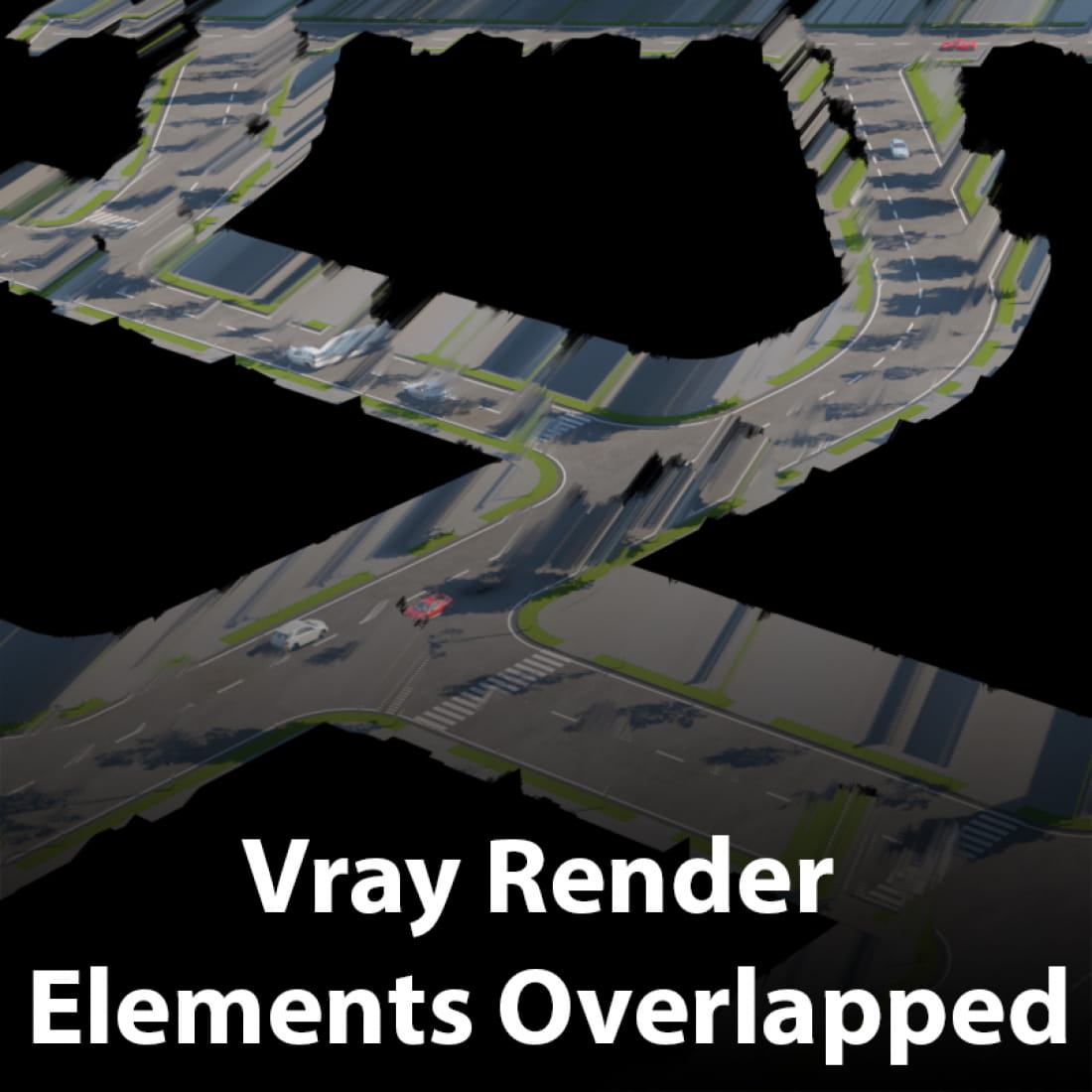
Vray render Elements Overlapped | How to fix it?
https://youtu.be/A7zd1fW_kSQ
Render mask is a great time saver for stills but, for image sequence…vfb overlaps every frame render with the previous render info.
Finally, i have found the way to turn off the render memory!!
Now VFB can render animation sequence cleanly without any overlapping on previous render.
Go to the Settings tab under Render Settings. In the first section of the System rollout, there’s a Previous Render dropdown list - change it to Clear.
Enjoy!!!
---
CGTricks | https://cgtricks.com
Posted on 18.04.2019
You have to be logged in to like this project
 wuanhyu
LEAVE A COMMENT






 Customer zone
 Your orders
 Edit account
 Add project
 Liked projects
 View your artist profile