Evermotion: More Than an Asset Library
How Evermotion became a full-scale production partner for archviz, automotive and synthetic data.


Total: € 0
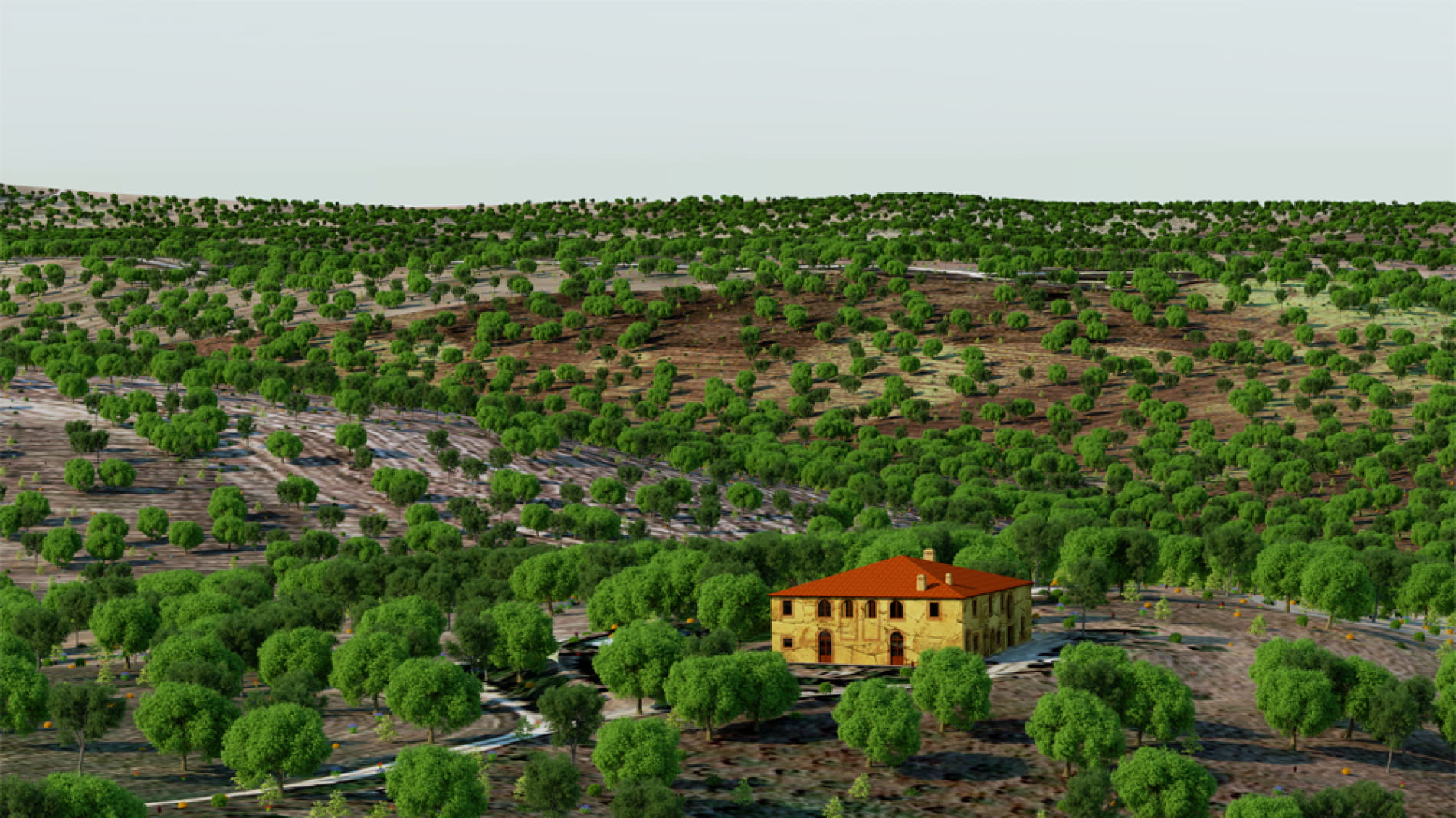
From version 0.43 NOX can use Intel's Embree engine for geometry intersection. However two cons have to be said first: version used by NOX works only with x64 version of Windows 7 or newer. On 32 bit or older versions of windows NOX will use its old intersections engine. Another minus here is that Embree implementation of motion blur differs from NOX and it won't work. You can use old intersection engine to render with motion blur (instructions below). Now for happy part: Embree is faster. The more complicated geometry, the more speed compared to old NOX engine. On very simple scenes (like Cornell Box) speed-up is barely visible (like 10%). However on huuuge scenes speed using Embree is almost twice as fast as old NOX geometry engine. However I believe on most scenes speed-up should be in between 20 - 50%. At least this came from tests I made. Now how to make NOX use its old engine. There are two ways: - run it with "-legacy" option, like write in cmd window: Renderer64.exe -legacy - for permanent usage add DWORD value named "legacymode" to registry at HKEY_CURRENT_USER\Software\Evermotion\Renderer\ and set it to 1. You can always delete it to run with Embree. Since you like images, here is one of renders I used to test for comparison (less than 30 minutes for 3K res). I know, it's not sophisticated, but I'm a programmer. 116942
Posted on 25.03.2014
 marchewa
LEAVE A COMMENT

|

|

|

|

|
 Customer zone
 Your orders
 Edit account
 Add project
 Liked projects
 View your artist profile