Evermotion: More Than an Asset Library
How Evermotion became a full-scale production partner for archviz, automotive and synthetic data.


Total: € 0
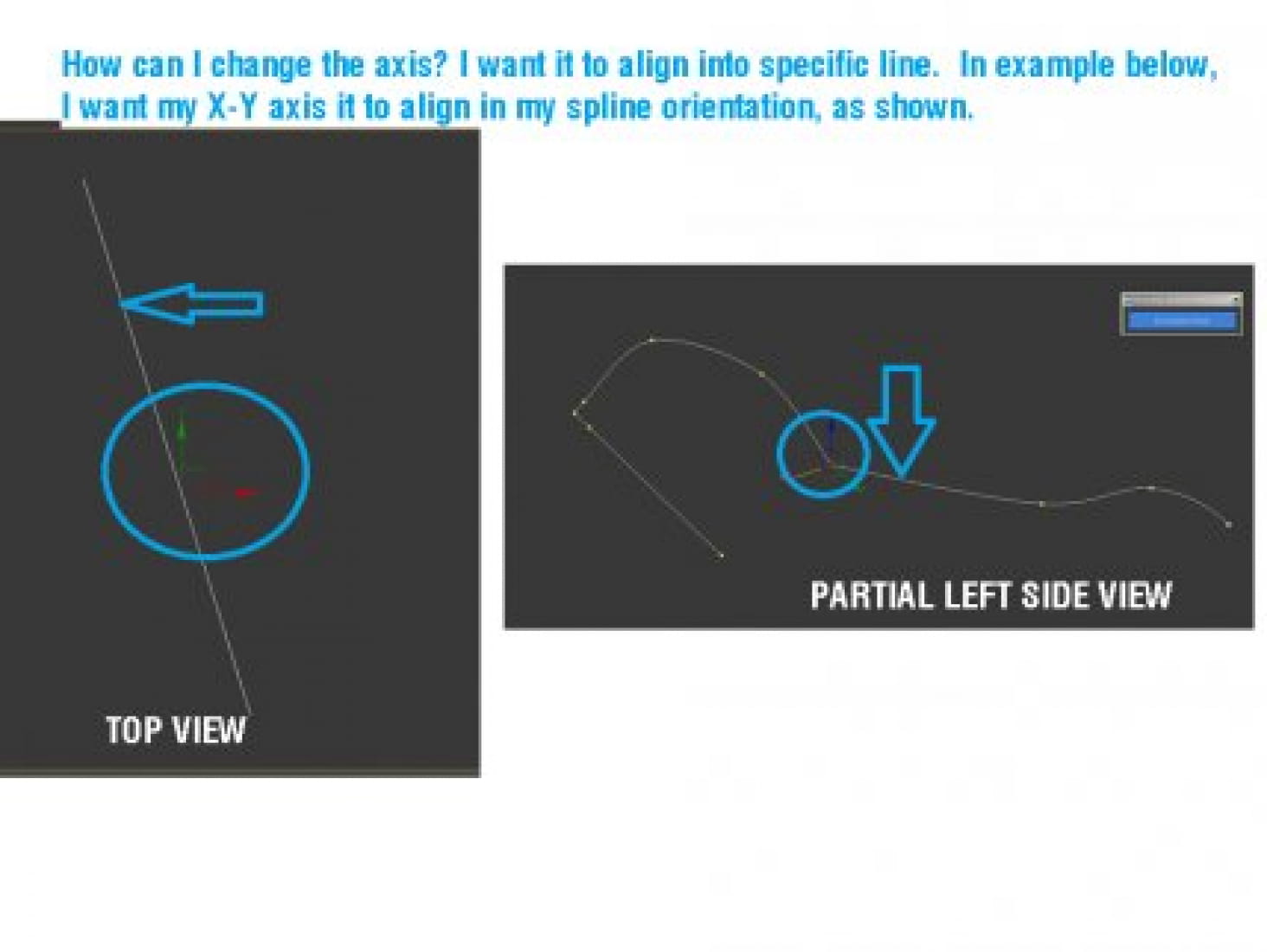
Hi everyone, I am coming from CAD and Sketchup modeling environment, so I'm a newbie to 3D max modeling workflow (edit poly). In Sketchup I am fond of changing the axis to align to a specific orientation or follow the object's orientation, an effective technique that I got used to. Is it possible to do this in 3Ds Max? I have screenshot below for reference. My Story: The problem started when I noticed that everytime I move a vertex from left side view, strictly along X and Y only, when I looked at it on Top view, I discovered that the vertices are no longer in line with the orientation I am keeping. I discovered that the problem is due to the axis not being aligned to the object. That's why it wouldn't align properly. If I can only realign the axis to the object, that will help me a lot. Thanks! Jon 109002
Posted on 03.10.2013
 onzki
onzki
LEAVE A COMMENT

|

|

|

|

|
 Customer zone
 Your orders
 Edit account
 Add project
 Liked projects
 View your artist profile