We are more than an asset library

Watch our Showreel
Search
Cart
Sign in
  • offerCustomer zone
  • offerYour orders
  • offerEdit account

  • offerAdd project
  • offerLiked projects
  • offerView your artist profile

  • Dark mode
    ✔
Create buildings fast with stackMesh

Create buildings fast with stackMesh

Vimeo 2015-05-04 09:58 article  > Software

Free max tool by Ishak Suryo L.

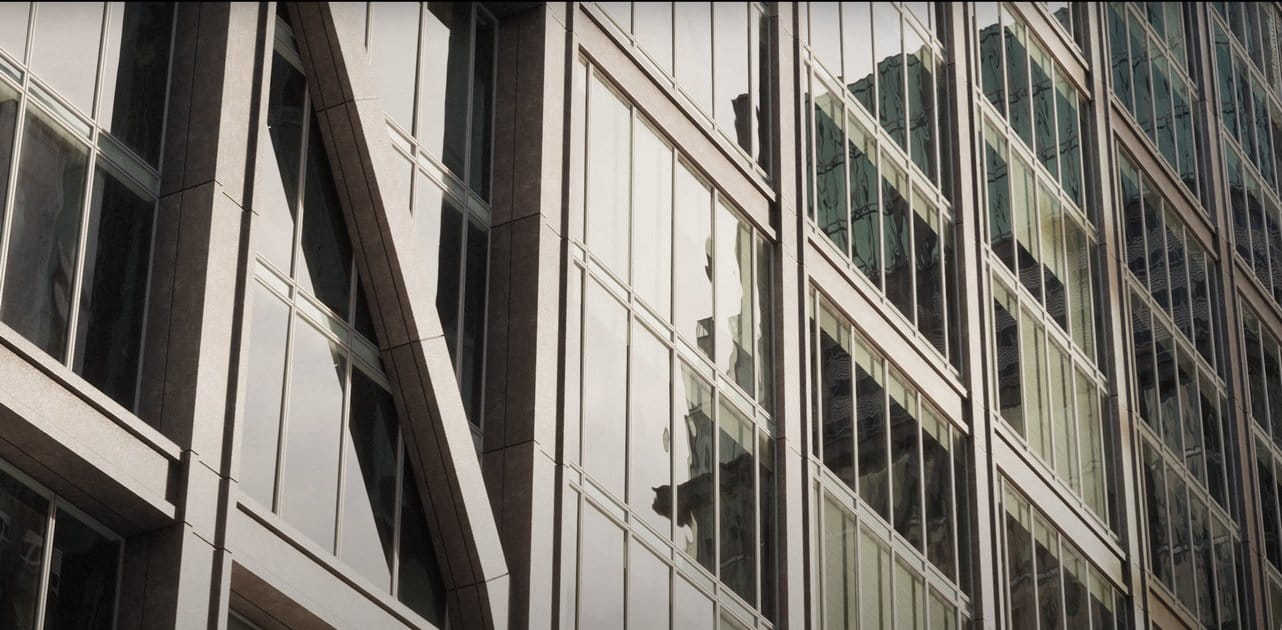
stackMesh will add another mesh on top of current mesh by keep watching the height from bounding box. it can be use for anything but for this example you can see the idea for mix and match the building just by stacking one onto another. As a result we can create model in non destructive way. It is also simple to arrange the order.

Download maxtool: dropbox.com/s/zj7um55weegi7rz/MCG_stackMesh.maxtool?dl=0

Author: Vimeo
Tags: stackMesh
You may also like...
Claude Opus 5.5 cuts AI-assisted Blender workflows 40% cheaper and 30% faster

Claude Opus 5.5 cuts AI-assisted Blender workflows 40% cheaper and 30% faster

Claude Opus 5.5, released September 22, cuts API costs by 40% and speeds output by 30%, making AI-driven scene assembly in Blender more practical for solo artists. The model excels at staging, lighting and rig fixes but not production mesh generation.
×

LEAVE A COMMENT

You need to be logged in to leave a comment. Don't have account? Register now.