Search
Cart
Your cart - 0 items
Total: € 0
Total: € 0
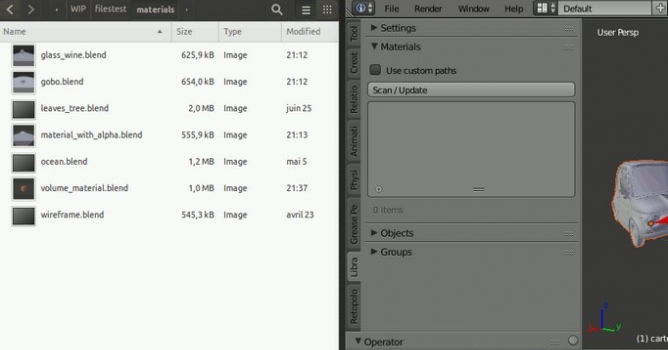

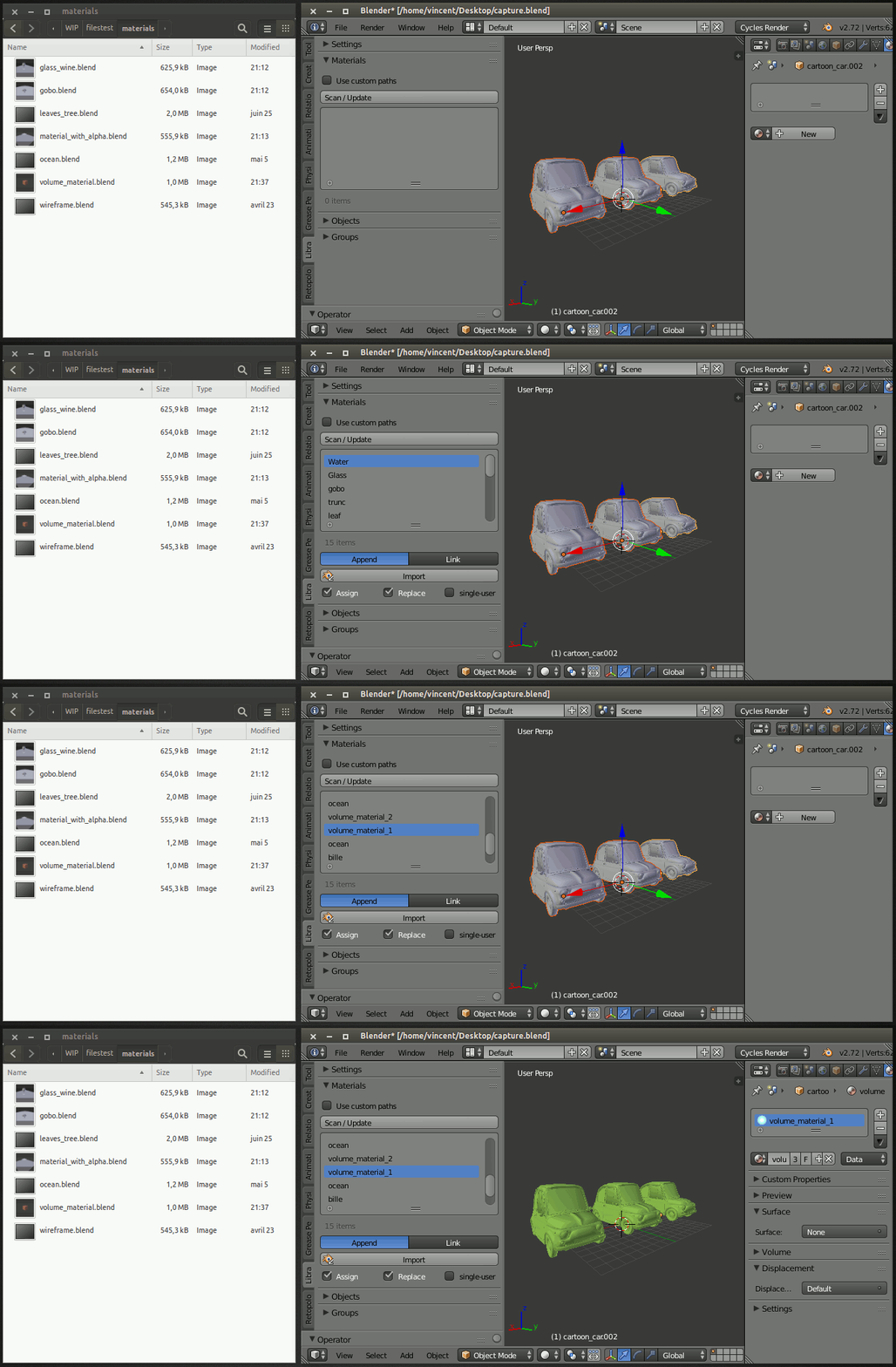
This script aims to read folders that contain blend files, display the content in a list of elements that may be imported.
The folders of the blend files are stored either in the addon preferences or in the settings tab of the tool shelf.
Folder paths are available for:
Addon preferences:
The paths set in addon preferences are accessible in every files and can be set once.
Custom path:
The paths can also be set in the Settings tab of the Tool Shelf. This can be save with the blend file. The paths set in the addon preferences can still be used if the Use custom paths checkbox is off.
3D View - The Tool Shelf of the 3D view gives access to the library for:
Download Blend Library here.







LEAVE A COMMENT








|

|

|

|

|
 Customer zone
 Your orders
 Edit account
 Add project
 Liked projects
 View your artist profile

COMMENTS