Search
Cart
Your cart - 0 items
Total: € 0
Total: € 0
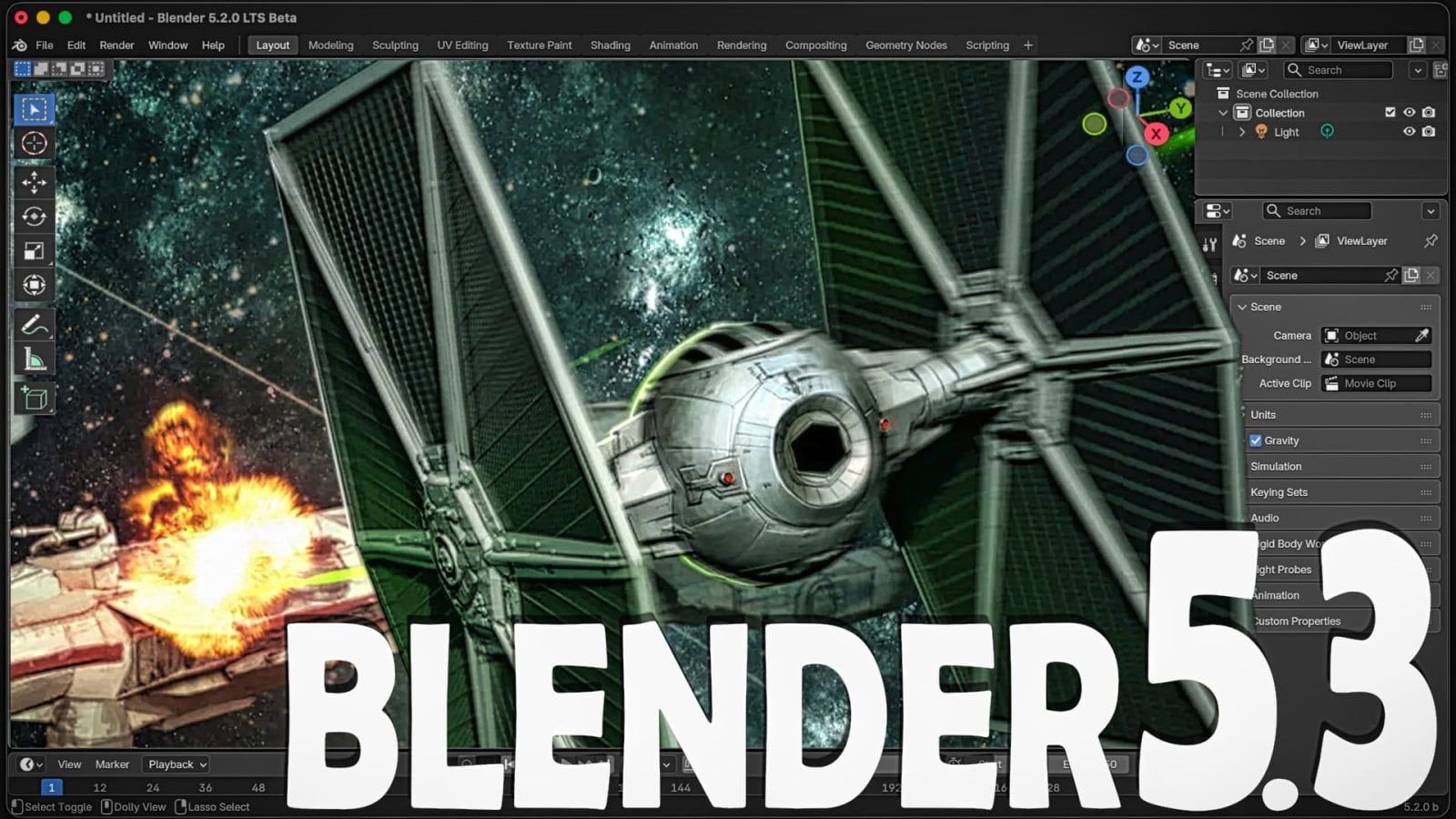
Blender 5.3, released on 10 November 2026, introduces Project Setup, an opt-in system that lets archviz studios define shared environments, asset libraries, color pipelines and variables once - so every artist on a project works from identical settings without manual configuration.
The system works through a .blender_project folder at the project root, containing a project.toml file. This folder identifies a Blender project and serves as the base for all project-specific configuration. Adoption is optional: solo artists can ignore it entirely, and existing Blender workflows continue unchanged.
Video: Game From Scratch
For multi-artist archviz studios, Project Setup addresses a real collaboration pain point. Each team member no longer has to manually sync asset library paths, color settings or custom variables when opening a shared .blend file.
The system works on three levels. First, shared project variables - such as a character name, sequence code or frequently used folder path - can be defined once and used in path templates across the project. According to the Blender Developers Blog, the principle is simple: "Change a value once, and every path that uses it follows." This eliminates repetitive manual path entry and keeps team resources aligned.
Second, each project can define its own asset libraries that appear in the Asset Browser, Asset Shelves and Add menus. For studios sharing Archmodels collections or custom material libraries across machines, this means the right assets are available to the right project without duplicating them or managing competing library definitions on each artist's machine.
Third, OpenColorIO configuration is locked per project. A project can use the default Blender configuration, ACES 1.3, ACES 2.0, or a custom setup. The Blender Developers Blog notes: "Everyone working on the project gets the same color pipeline, without having to change their preferences when switching between different projects." Color pipeline drift - a subtle source of inconsistency between team members - becomes impossible.
The splash screen also now lists recent files from the same project, reducing the friction of switching between contexts.
Project Setup in 5.3 has known limits. Path templates and project variables are supported but not on all paths in Blender; the ultimate goal is to support them nearly everywhere. For now, path templating support is incomplete, so some manual configuration may remain.
More significantly, per-project add-ons do not ship in 5.3. This means custom scripts and extensions remain system-wide, creating a gap in the unified environment. However, according to the Blender Developers Blog, "The top priority for Blender 5.4 is letting a project ship its own add-ons (extension repo) folder, equipping everyone working on the project with the same tools." Once 5.4 lands, the foundation will be complete.
For teams moving from manual asset management to a shared Blender project structure, or upgrading from older Blender workflows, Project Setup removes a significant source of sync work. It is particularly relevant for studios using shared Archmodels collections or custom material libraries, where path consistency and asset availability have traditionally required discipline or workarounds. See our guide to Blender setup for context on how this fits into broader pipeline decisions.
Lead image: Game From Scratch







LEAVE A COMMENT







|

|

|

|

|
 Customer zone
 Your orders
 Edit account
 Add project
 Liked projects
 View your artist profile

COMMENTS