Evermotion: More Than an Asset Library
How Evermotion became a full-scale production partner for archviz, automotive and synthetic data.


Total: € 0
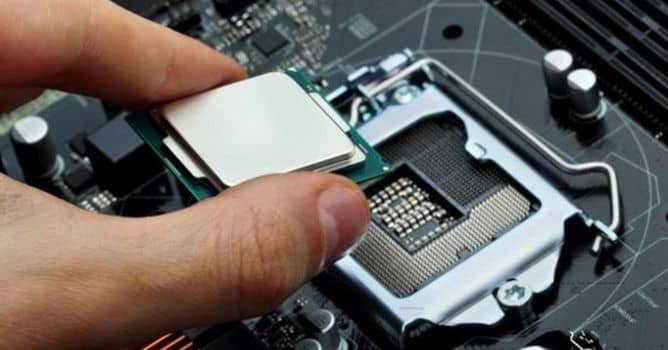

Upgrading your computer can be a frustrating process. Especially if you’re working in the field of archviz and you use Unreal Engine.
By now, you probably know that it’s not enough to have a basic computer for Unreal. Huge loading times, lagging viewports and frequent crashes are the absolute enemy of productivity – and your nerves. If you consider working on the field of archviz with Unreal, you must have the proper gear that you can work on, without any technical problem and frustration. Andras Ronai helps with getting a more clear picture of the two most important hardware components in terms of performance: the CPU and the graphics card.


LEAVE A COMMENT





|

|

|

|

|
 Customer zone
 Your orders
 Edit account
 Add project
 Liked projects
 View your artist profile


COMMENTS