Evermotion: More Than an Asset Library
How Evermotion became a full-scale production partner for archviz, automotive and synthetic data.


Total: € 0
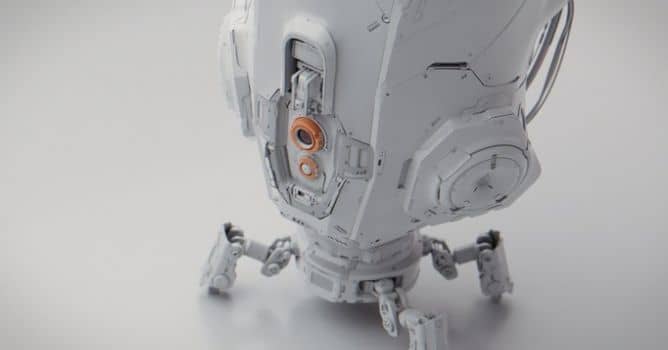

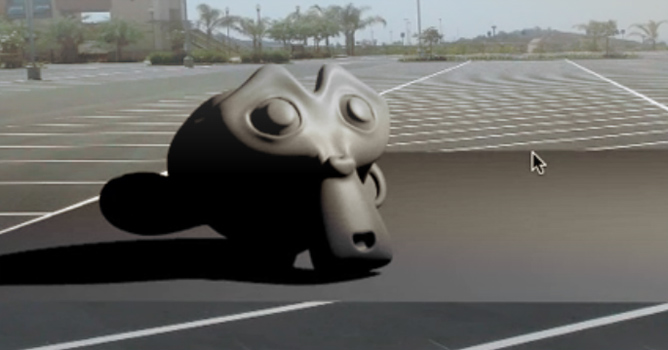
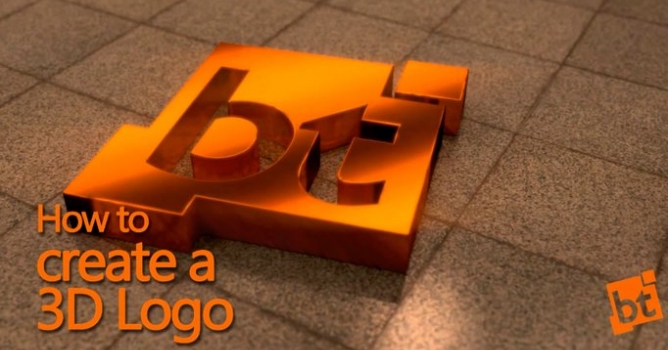
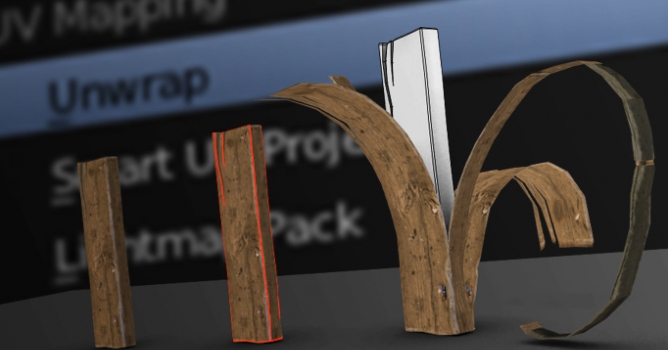
Hard surface modeling is common in creating concept art for Sci-Fi movies, props for video games, real-world robotic design, 3d printing. Gleb alexandrov (Creative Shrimp) and Aidy Burrows (CGMasters.net) created compherensive tutorial for Blender users that focuses on the most efficient ways to create hard surface models.
Featuring:
Difficulty: beginner / intermediate
The first part of the videocourse, the side A as we call it, is aimed at the beginner users. It’s the essentials of modeling theory and primers and the showcase of the most popular modeling tools and techniques. 6 hours.
The side B on the other hand, requires a pretty solid understanding of the basic modeling tools and principles, UI and so on. It’s aimed at the intermediate users. 7 hours.
Bonuses
For more information visit CGMasters.net or CreativeShrimp.com
Get it now on BlenderMarket or Gumroad. Early bird discount until 11th July.



LEAVE A COMMENT





|

|

|

|

|
 Customer zone
 Your orders
 Edit account
 Add project
 Liked projects
 View your artist profile


COMMENTS