V-Ray 3 for SketchUp has been redesigned from the ground up.
V-Ray 3 for Sketchup helps you focus on being creative.
What's new?
New UI - Introducing a redesigned, designer-friendly user interface for faster workflows.
Material Library - Select from over 200 drag and drop materials to speed up your next project
V-Ray Swarm - Introducing a powerful, scalable distributed rendering system that's simple and fast.
Denoiser - Automatically remove noise and cut render times by up to 50%.
VR - Render VR-ready content for popular virtual reality headsets.
Section Cuts - Easily create quick cutaways and section renders with V-Ray Clipper.
Aerial Perspective - Quickly add realistic atmospheric depth and haze.
Grass - Create realistic grass, fabrics, and carpet with V-Ray Fur.
Key Features
Twin-Engine Performance - V-Ray includes two powerful rendering engines. With CPU or GPU acceleration, you can use the best engine for your project and hardware.
Interactive Rendering - Render interactively while you design. Fine-tune lights and materials and see the results right away.
Global Illumination - Render photorealistic rooms and interiors with V-Ray’s powerful and fast global illumination.
Accurate Lights - Render natural and artificial lighting using a wide range of built-in light types.
Environment Lighting - Light your scenes using a single high-dynamic-range image (HDRI) of its environment.
Physical Sun and Sky - Simulate realistic daylight for any time and any location.
Real-world cameras - Work like a photographer, with controls for exposure, white balance, depth of field and more.
Physical Materials - Create great looking materials that look exactly like the real thing.
Advanced Textures - Create realistic and unique materials using any texture map or one of V-Ray’s many built-in procedural textures.
Proxy Objects - Bring more detail to your project with memory-efficient proxy models of complex objects like grass, trees, cars and more.
Render Elements - Render your scene as separate passes for more artistic control in your image-editing software.
Frame Buffer - Track render history and fine-tune color, exposure, and more directly in V-Ray’s frame buffer.
Render Nodes - Give V-Ray Swarm and network rendering a major speed boost by adding cost-effective render node licenses.
V-Ray Scene Export - Share complete, ready-to-render V-Ray 3 for SketchUp files with any V-Ray 3.4 or higher application.
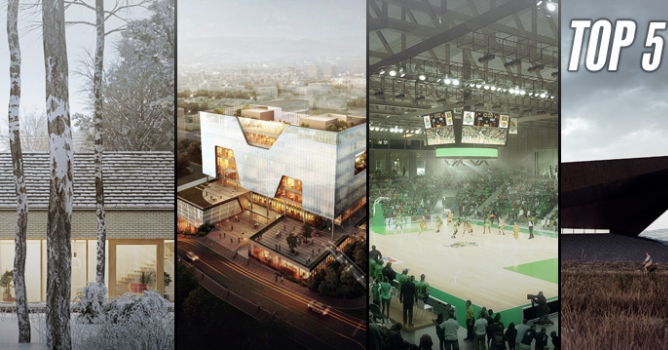
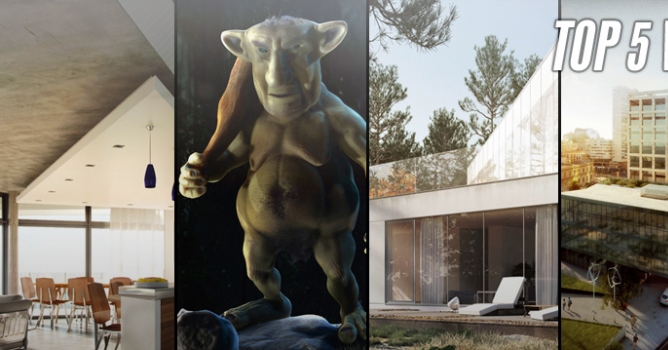
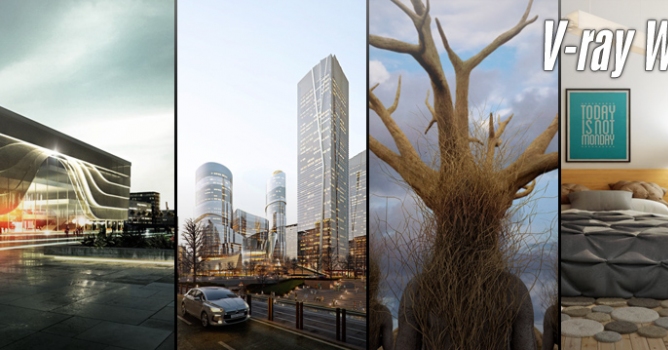
Evermotion presents, Vray Workshop Principal artist group online on Facebook. Evermotion is pleased to announce a partnership with Vray Workshop group.
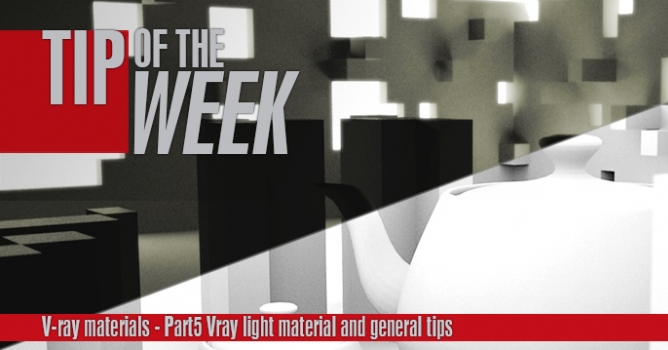
This is the last part of a V-ray materials tip of the week series. In this part I will show you how to use V-ray light materials and some general tips for baking v-ray dirt and using opacity maps.
In this walkthrough, we guide you through the process of building a polished 3D interior scene inspired by the cover of Archmodels vol. 306 – Table Sets.






 Customer zone
 Your orders
 Edit account
 Add project
 Liked projects
 View your artist profile













COMMENTS