New Physically Based Shader. Now GGX lighting natively supported.
Almost all Voxel Shaders are PBR compatible now. Each shader has rich set of parameters, including different textures, SSS, Gloss, Metalness, Cavity and Bulge settings. Very good support of cavity and bulge is present in realtime.
All PBR shaders effects (except pseudo SSS effect) are exactly baked into paint room.
PicMat-s are also present but it is not guaranteed that they will be baked correctly, so use them only on intermediate stage.
GGX exact support means compatibility with most of current game and render engines.
Painting over mesh is "as is" without modulation on background shader color. But painting over layer 0 is disabled for Voxels/Surface.
Old shaders are disabled because shaders system was completely re-made.
Old panoramas are disabled, you will need to add them as HDR or EXR files from scratch.
Multiple maps Baking, including AO, SSS.
New Export Constructor. It allows to pack many channels into one texture in custom way. It helps to adopt 3D-Coat's texture export for any render or game engine.
Anti-aliased painting introduced everywhere: Vertex Painting, PPP, MV, Ptex. It is applied to stencils, materials, brushes, text, curved pictures.
New low-poly modeling Retopo Tools: Cut and Connect, Extrude faces, extrude vertices, Intrude, Shell.
New Primitives Added: screws, spirals, etc with rich Options set.
3D-Printing Export function included in PRO version.
Paint Room Changes:
Per-Pixel Painting speed essentially increased especially for big texture resolution, big polygons, materials dependent on cavity.
Export of metalness is possible in Gloss/Specular color workflow as well.
New import option for PPP: Import each material as separate UV set.
Relative paths to textures in exported OBJ files.
When paint with Smart Materials depth channel will replace current one on this layer instead of constant growing.
Color picker gets color from everywhere on screen. In color picker dialog clicking outside the picker window will pick color as well. "V" hotkey works there as well.
Group # instead of Layer # for default names for paint groups.
RMB->Share item/folder works correctly for PBR materials.
Image may be directly dropped onto Smart material editor slots.
Sculpt Room Changes:
Nice bevel in primitives with "sector" option.
Smoother/angulator/subdivide got 3d lasso in e-panel.
Non-boolean merge all/merge subtree.
"Ignore back faces" works for Move tool in surface mode.
LMB/RMB/MMB outside of Sculpt RMB menu will close the menu instead of sculpting action.
Tools in space panel adjusted in a bit more logical order.
When select a volume via H key VoxTree will be scrolled to show selected volume.
Geometry -> Retopo mesh->Sculpt mesh option.
Other changes:
Rendering quality in render room improved. Now all samples are summarized with gamma correction that leads to much better visual result.
Retopo shaders are PBR-compatible, retopo model lit in correspondence with panorama.
You can learn more about this release on 3DCoat website.
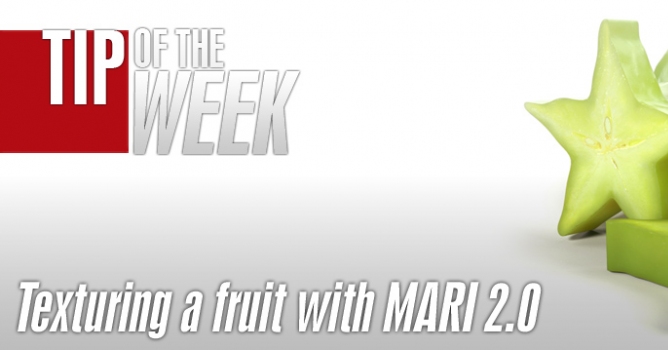
Making of the fruit texture using Mari 2.0 v1. You can learn how to create astonishing textures without seams in a quick way with a projection tool and the new layer system.
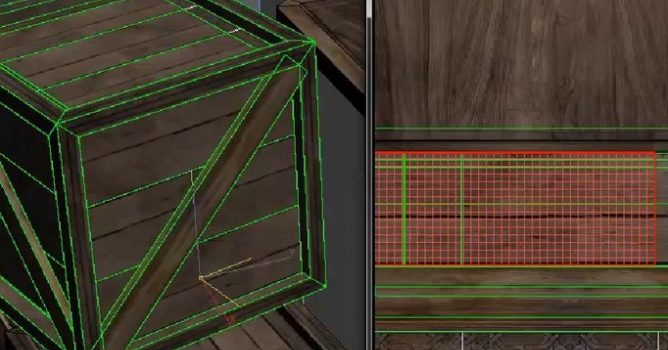
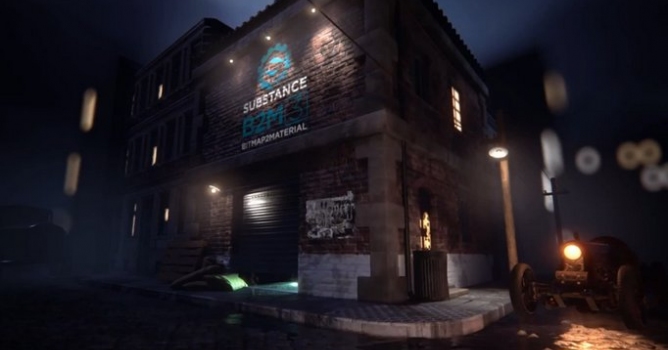
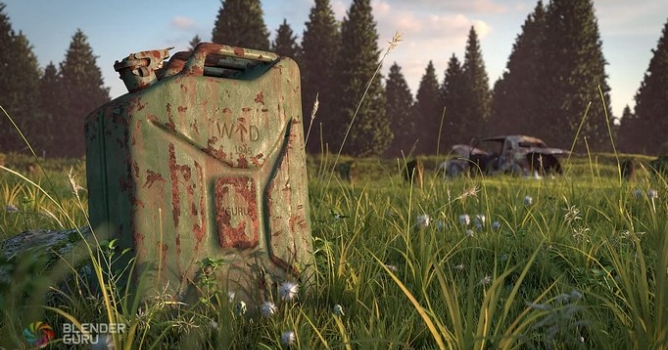
A tool that helps you generate full, seamlessly tiling materials from any bitmap image. This now includes all PBR (Physically-Based Rendering) channels, based on the most accurate conversion algorithm out there.
In this walkthrough, we guide you through the process of building a polished 3D interior scene inspired by the cover of Archmodels vol. 306 – Table Sets.











 Customer zone
 Your orders
 Edit account
 Add project
 Liked projects
 View your artist profile
COMMENTS