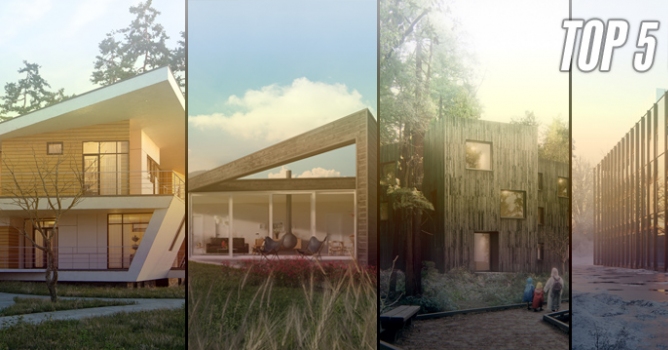
Top image: Dabarti Studio.
Download new guide to GPU Rendering by Chaos Group. Not sure if it's for you? Read the contents list below:
- Hardware
- Moore’s Law
- Differences between CPU and GPU
- Trends in GPU hardware
- Going from 28nm to 14nm
- Going from GDDR to HBM memory
- Stacking memory over multiple GPUs with NVLink
- Better performance from a single GPU
- Bright future through Pascal and Polaris
- Drivers
- Rendering
- V-Ray’s GPU rendering history
- Rendering on the CPU
- Rendering on the GPU
- Picking the right GPU
- Professional vs Gamer’s GPUs
- Understanding different APIs for GPU rendering
- CUDA
- OpenCL
- Differences between V-Ray RT and Production V-Ray
- V-Ray RT: 3ds Max
- V-Ray RT: Maya
- Production rendering: 3ds Max
- Production rendering: Maya
- Best practices when rendering on the GPU
- Start your project with the GPU in mind
- Optimizing your scene
- Global Illumination using V-Ray on the GPU
- Selecting the available devices with CUDA or OpenCL
- Dealing with a sluggish interface while rendering on the GPU
- Optimizing GPU rendering for Distributed Rendering
- Checking V-Ray log and docs for supported features
Download new guide to GPU Rendering by Chaos Group.
Top image: Dabarti Studio.
COMMENTS