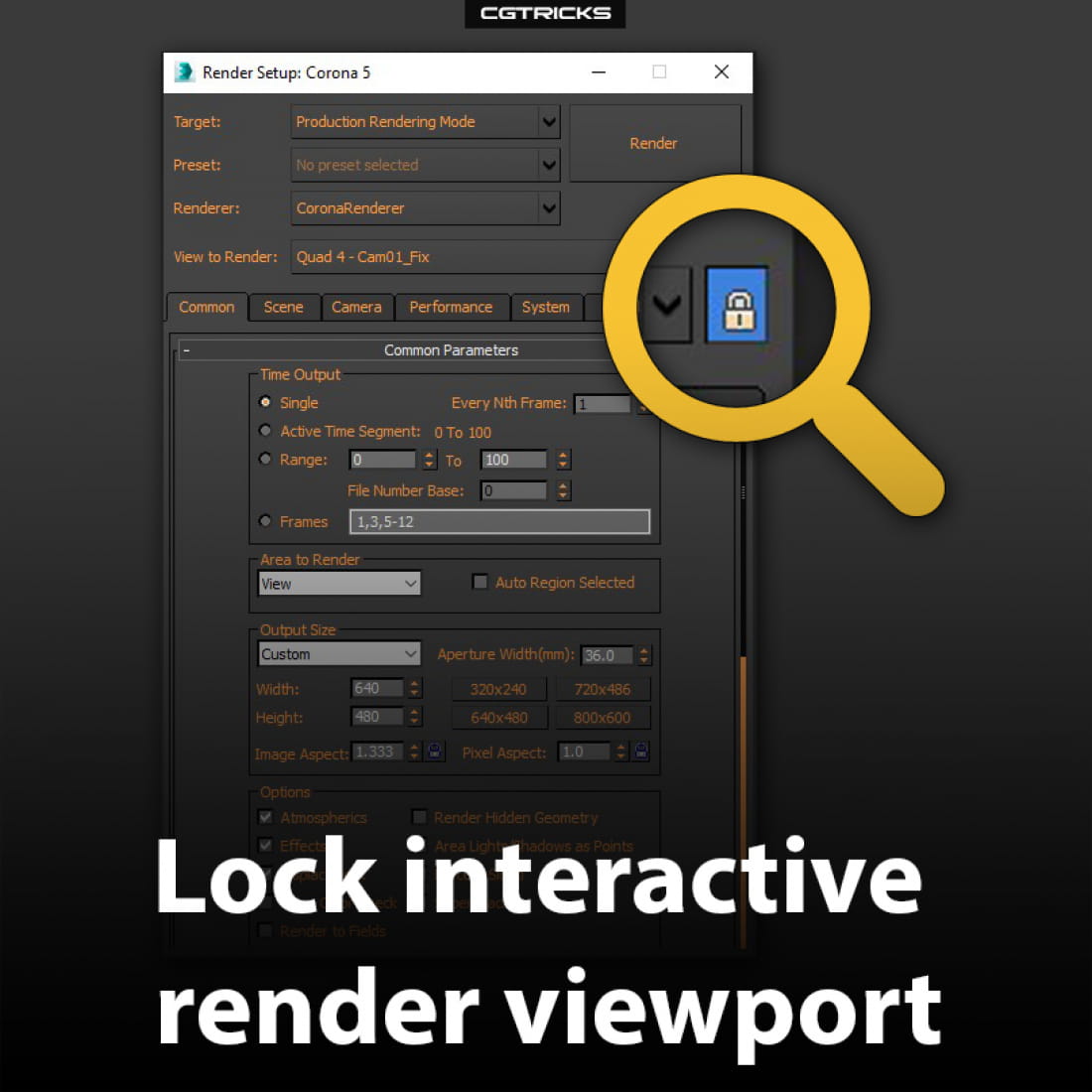
Lock Interactive Render Viewport
To lock interactive rendering to specific viewport, so that it does not change when you switch to another viewport, go to Render Setup and with the viewport of your choice selected, press the small lock button at the very bottom of the window.
Note: this will not lock IR to your currently selected camera, so if you switch to another camera or perspective view within one viewport, IR will update anyway. This only locks IR to a single viewport.
https://youtu.be/bxRCcFzXf8o
---
CGTricks | https://cgtricks.com
Posted on 21.11.2019
You have to be logged in to like this project
 wuanhyu
LEAVE A COMMENT






 Customer zone
 Your orders
 Edit account
 Add project
 Liked projects
 View your artist profile